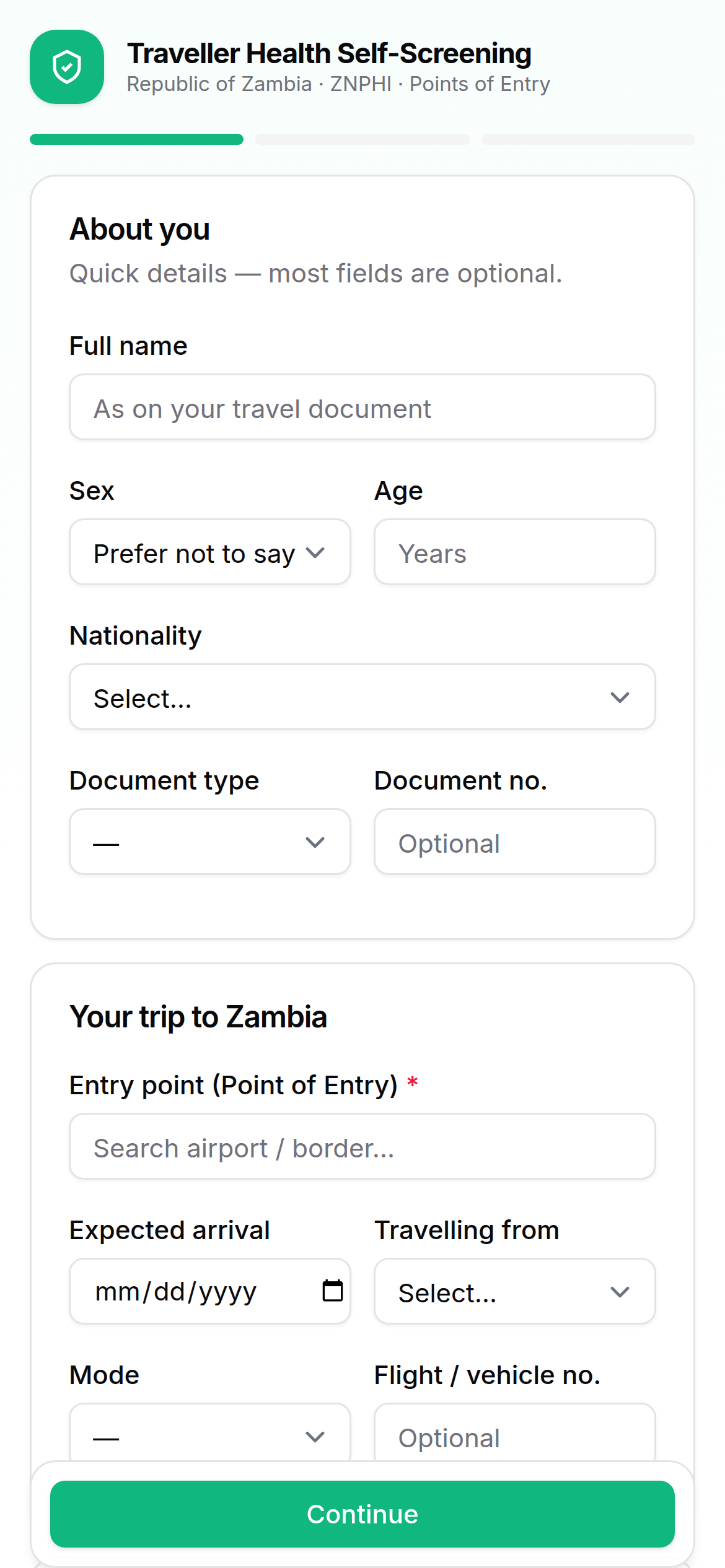
1 · Complete the form
Open the self-screening link on any phone. Answer a short health questionnaire — no app, no login, no account.
Open the formFor travellers & the public
A free health self-check you complete on any phone before you travel. It takes under two minutes, needs no app and no account, and gives you a signed QR health pass for a faster, smoother border crossing.
How it works
Open the self-screening link on any phone. Answer a short health questionnaire — no app, no login, no account.
Open the form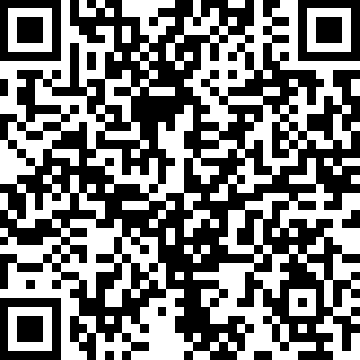 Health pass
Risk is computed on the server the instant you submit. You receive a cryptographically signed QR health pass, ready to show.
Officers scan your pass at the Point of Entry. A verified pass means faster clearance; a risk flag triggers a brief health review.
Your privacy
What to expect at the border
The officer scans it in one tap to verify your pre-screening.
A verified, low-risk pass means a faster crossing.
You'll be directed to a brief, confidential health interview with a qualified officer — for your wellbeing and everyone's.
Questions
No. Self-screening is a free web form at poe-screening.znphi.co.zm/self-screen — open it in any phone browser, no app and no account needed.
Yes. A single person can complete declarations for family members travelling together and receive a pass for each.
You will be directed to a brief, confidential secondary health interview at the Point of Entry. A qualified health officer conducts a short clinical assessment — it is for your wellbeing and the protection of others.
An explainable-AI engine assesses your declaration against WHO case definitions for 41 priority communicable diseases under IHR (2005) and IDSR. See Disease surveillance.
No. Personal details are automatically purged two years after your expected arrival; only anonymous, aggregate statistics are retained for public-health surveillance.
Pre-screen yourself before you arrive. Under two minutes, no app and no login — you receive a signed QR health pass for a faster, smoother border crossing.
Scan to self-screen